Integrations are sources of data whose metrics are automatically fetched and incorporated into Reflect. You can correlate this data with anything you track. For example, you can correlate your Activity Score from Oura to an aspect of your mood, like your Motivation. Here are the steps to add your integration.
Manage Integrations
Click the 
 icon at the top left of the Reflect page, then click
  in the sidebar menu to access the Integrations page to manage your integrations. If you haven’t created any reflection forms, a direct link will be visible on the Reflect page itself.
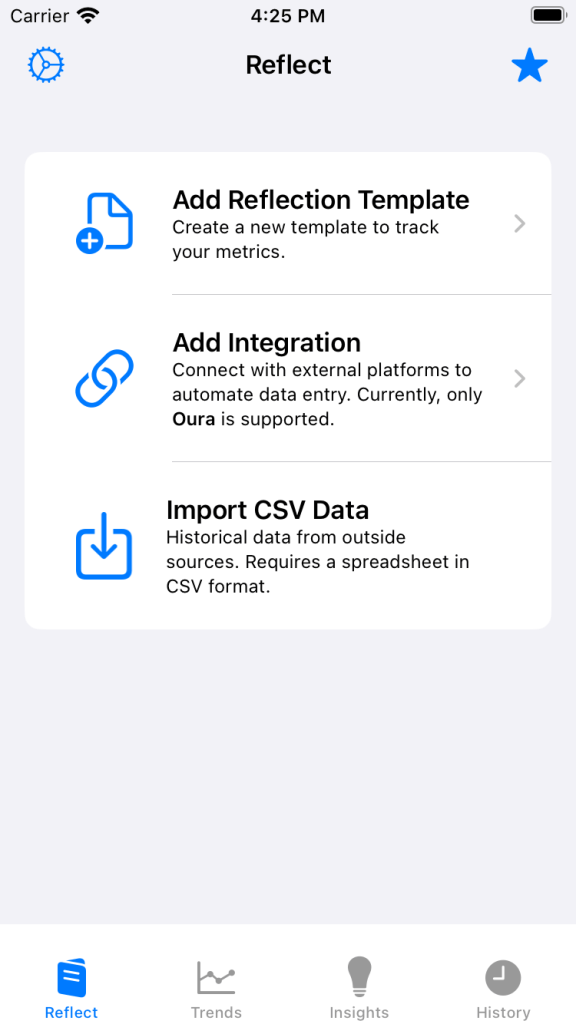

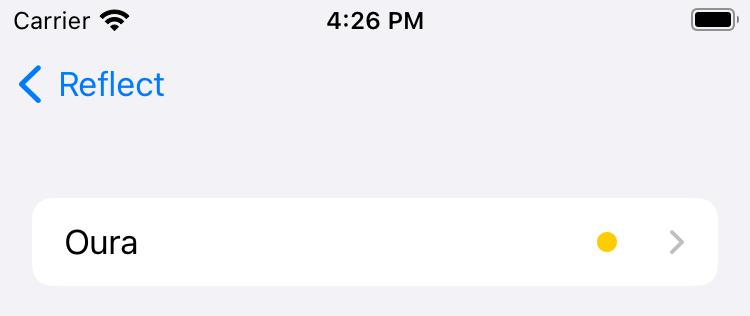
Choose an Integration
Click the name of the source you’d like to integrate with.
Sign In
Sign into your account. The app you are trying to integrate with will ask you for permissions. As a reminder, Reflect’s Privacy Policy can be found here.


Import Historical Data
After signing into your account and choosing permissions, you can select the earliest date to sync data from. If you’ve been using a wearable since 2023 but only want to sync your data from 2024, you can specify that here. Don’t worry, you can always go back and sync older historical data.

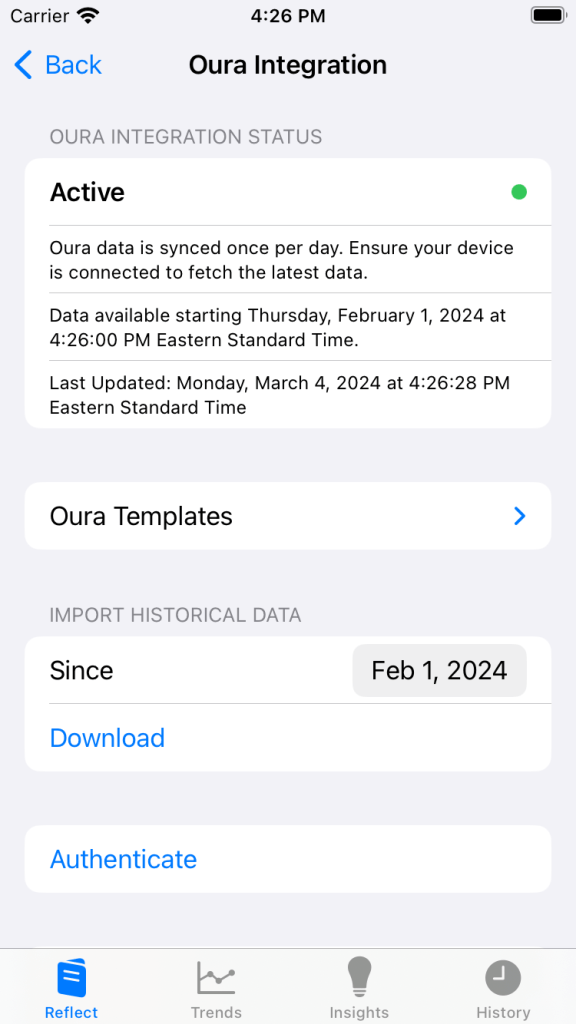
After you choose this date, Reflect will import historical data that you can view in the History page. That data will now be available for plotting and insights.
Now that the integration has been linked, Reflect will periodically query it to keep your metrics up to date.
 No Translation Layer